Markdown syntax guide

This post exists so I can see every element in one place after touching the stylesheet. It doubles as a cheat sheet for writing posts.
Headings
The post title is the only h1 on the page, so start your sections at ##. Headings are bold and keep their Markdown marks in blue; the first two levels are set in capitals.
A third-level heading
A fourth-level heading
Body text after a heading sits closer to it than to the paragraph before, which is what makes sections read as sections.
Emphasis and links
Use italics for titles and asides, bold for the thing you want a skimmer to catch, and inline code for identifiers like pubDate. Links look like this one to Astro: the same color as the text, with a colored underline.
Notes in the margin
Some words carry a short note. Hover over IBM Plex Mono1 to read one, or over this longer phrase2 for a note with formatting. Classic footnotes work as well.3
Write the word as a link whose target starts with ^, then define the note anywhere in the post with the footnote syntax:
Hover over [IBM Plex Mono](^plex) to read a note.

[^plex]: The typeface used for everything on this blog.
On a wide screen the note opens as a card next to the text. On a narrow one it opens under the word, and the small number still jumps to the list of notes at the end of the post. Click the word to keep the card open.
Lists
Unordered:
- First point
- Second point, with a nested list:
- A detail
- Another detail
- Third point
Ordered:
- Write the post in
src/content/posts/<slug>/index.md - Drop the cover image next to it
- Run
npm run devand check it - Push to
main
Blockquotes
The details are not the details. They make the design.
Charles Eames
Code
Fenced code blocks get syntax highlighting that follows the site theme:
import { defineCollection, reference } from 'astro:content';
import { glob } from 'astro/loaders';
import { z } from 'astro/zod';

const posts = defineCollection({
  loader: glob({ pattern: '**/*.md', base: './src/content/posts' }),
  schema: ({ image }) =>
    z.object({
      title: z.string(),
      pubDate: z.coerce.date(),
      category: reference('categories'),
      cover: image(),
    }),
});
npm install
npm run devImages
Put images in the post folder and reference them with a relative path. They are optimized at build time and resized for the reader’s screen.
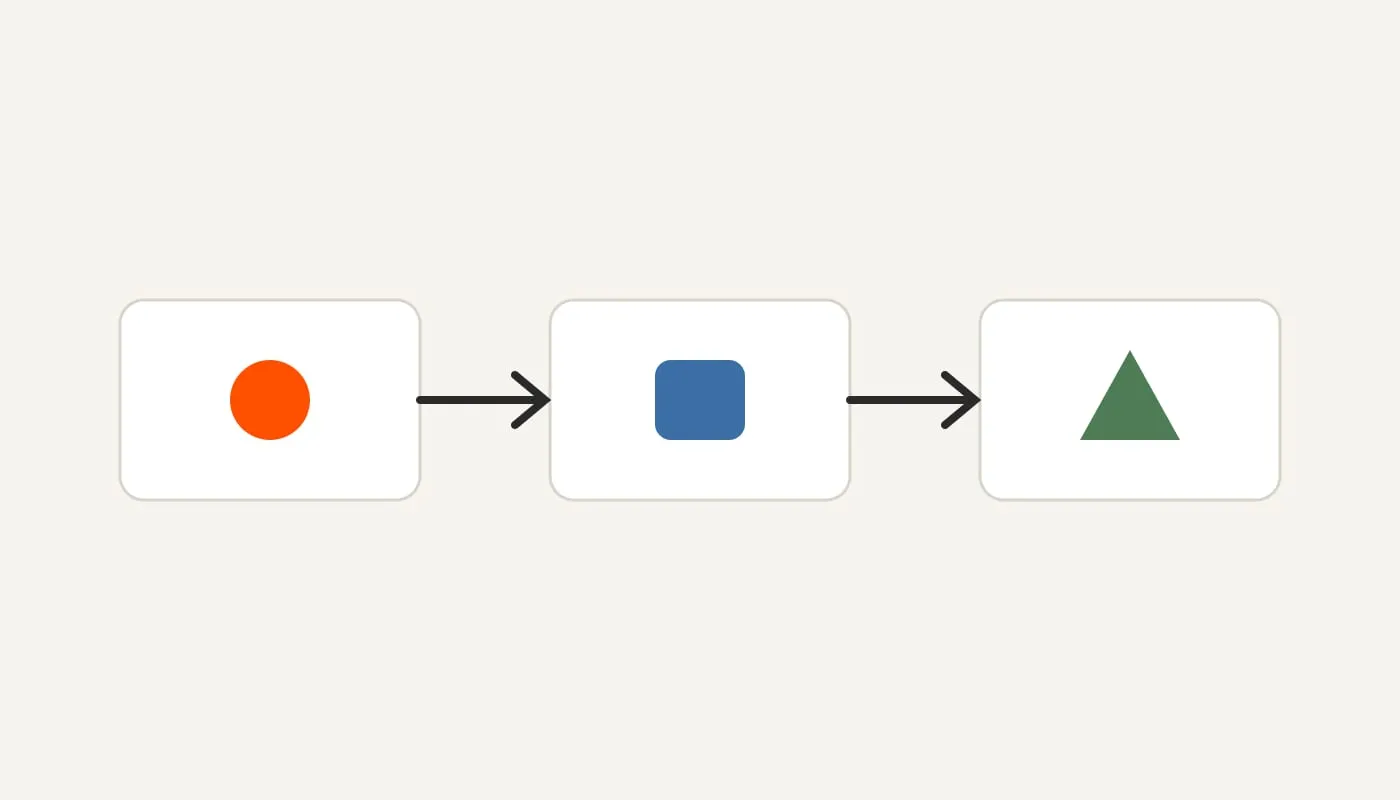
Markdown in, optimized pages out. An italic line right after an image becomes its caption.
Tables
| Field | Required | Notes |
|---|---|---|
title |
Yes | Shown in the feed and as the page title |
description |
Yes | The excerpt under the title |
pubDate |
Yes | YYYY-MM-DD |
category |
Yes | An id from categories.json |
cover |
Yes | Relative path to an image |
coverAlt |
Yes | Describe the image |
updatedDate |
No | Adds an “Updated” note |
draft |
No | true hides the post in production |
Horizontal rule
Use three dashes for a section break.
That is everything. If something renders oddly, this is the page to fix it on.